
If you’ve ever managed more than a handful of PCs—whether for a small business, a growing MSP, or an internal IT department—you’ve probably felt that sinking feeling at 2 a.m. when a system goes down and no one saw it coming. I’ve been there. Years ago, before modern remote monitoring and management platforms matured, IT work often felt reactive, chaotic, and exhausting. That’s exactly why understanding the IT PC RMM tools technology trend timeline matters so much today.
This topic isn’t just about software features or shiny dashboards. It’s about how IT professionals moved from “fix it when it breaks” to proactive, automated, scalable system management. RMM tools fundamentally changed how we support PCs, users, and entire organizations—and that change didn’t happen overnight.
In this article, you’ll learn what IT PC RMM tools really are, how they evolved over time, and why their technology trends matter right now. We’ll walk through the historical timeline, real-world use cases, step-by-step implementation guidance, tool comparisons, and common mistakes I’ve seen teams make repeatedly. Whether you’re an MSP owner, an in-house IT manager, or a tech decision-maker, this guide is designed to give you practical clarity, not buzzwords.
Topic Explanation: What IT PC RMM Tools Really Are (And Why They Exist)
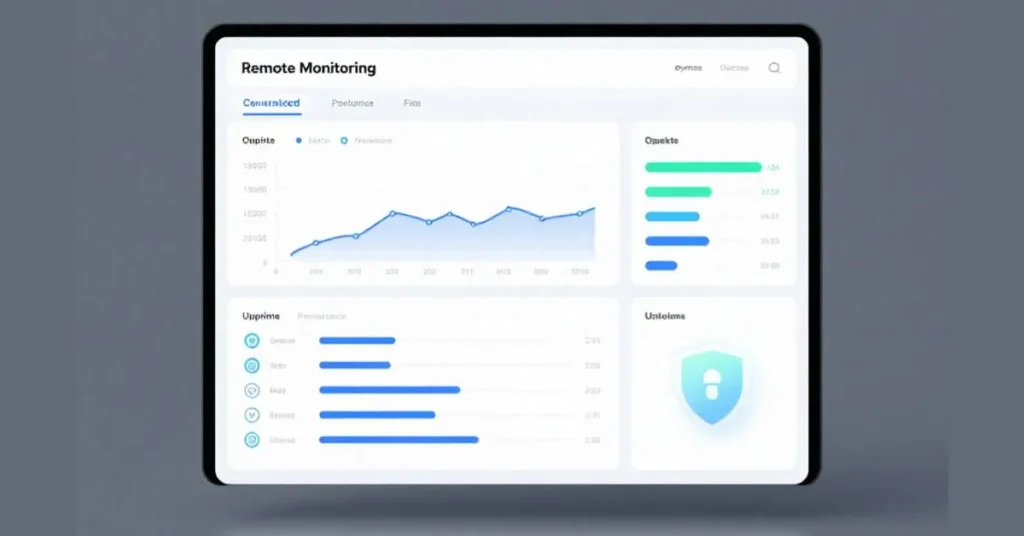
At its core, RMM stands for Remote Monitoring and Management. When we talk about IT PC RMM tools, we’re referring to platforms that allow IT teams to monitor, manage, and maintain PCs and endpoints remotely, without physically touching the machine. Think of RMM as the nervous system of modern IT operations—it constantly checks system health, reports issues, and enables fast response.
Before RMM tools became mainstream, IT support was largely reactive. Users called when something broke. Technicians drove onsite, plugged in USB drives, ran manual updates, and hoped nothing else failed. RMM tools replaced that chaos with visibility and control. They introduced real-time monitoring, automated patching, remote access, scripting, and alerting—all from a single dashboard.
A helpful analogy is comparing RMM tools to fitness trackers. Without one, you might notice a problem only when you feel sick. With one, you see early warning signs—heart rate changes, poor sleep, irregular activity—and can take action before things spiral. RMM does the same for PCs: disk space warnings, CPU spikes, failed updates, security gaps.
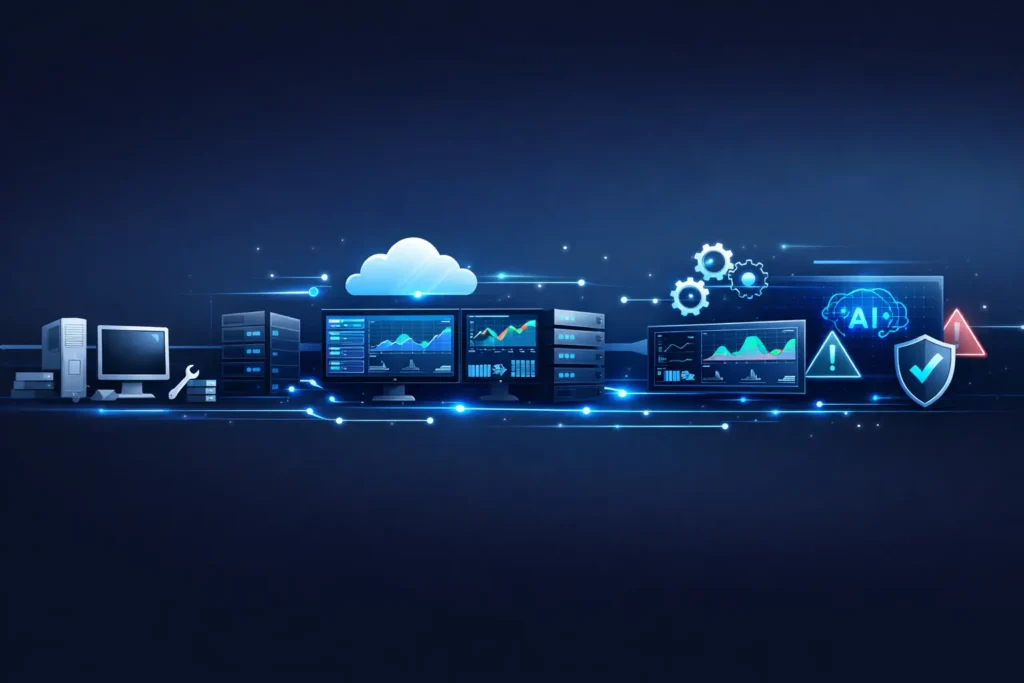
The IT PC RMM tools technology trend timeline shows how these platforms evolved from simple remote access utilities into sophisticated, AI-assisted management ecosystems. Understanding that evolution helps you choose better tools, avoid outdated practices, and align your IT strategy with where the industry is heading.
Benefits & Use Cases: Why IT Teams Rely on RMM Tools Today
The practical benefits of IT PC RMM tools are best understood through real-world scenarios. Imagine managing 50 PCs across multiple offices—or 5,000 endpoints spread across remote workers’ homes. Without RMM, every issue becomes a fire drill. With RMM, problems are often resolved before users even notice.
One major benefit is proactive maintenance. RMM tools monitor system health continuously, flagging issues like failing hard drives, outdated antivirus definitions, or missing patches. This drastically reduces downtime and emergency support tickets. Over time, teams notice fewer crises and more predictable workloads.
Another key use case is automation. Tasks that once consumed hours—patching Windows updates, deploying software, cleaning temp files—can now be scheduled and scripted. This frees IT staff to focus on higher-value projects like security improvements or infrastructure planning.
RMM tools are especially valuable for:
- Managed Service Providers supporting multiple clients
- Small businesses without large IT teams
- Enterprises managing hybrid or remote workforces
- IT departments focused on compliance and security
From an operational perspective, RMM platforms also improve accountability. Detailed logs, alerts, and reports make it easier to prove work done, meet SLAs, and justify IT investments to leadership. In the broader IT PC RMM tools technology trend timeline, this shift toward measurable, proactive IT is one of the most important changes of the last two decades.
The IT PC RMM Tools Technology Trend Timeline: From Basic Remote Access to Intelligent Automation
Understanding the technology trend timeline helps explain why modern RMM tools look the way they do today. In the early 2000s, remote management was rudimentary. Tools like VNC and early remote desktop solutions allowed technicians to view screens, but monitoring was minimal and manual.
The first major phase introduced basic monitoring and alerting. Simple agents reported uptime, disk space, and CPU usage. Alerts were noisy and often ignored, but this was the first step toward proactive IT.
The next phase brought centralized dashboards and automation. Vendors began bundling patch management, scripting, and reporting into unified platforms. MSPs adopted RMM aggressively, using it to scale services without scaling headcount.
Around the mid-2010s, security became a dominant trend. RMM tools integrated antivirus, endpoint detection, and compliance reporting. The line between RMM and security tools blurred, reflecting growing cyber threats.
Today, we’re entering an intelligence-driven phase. Modern RMM platforms use behavior-based alerts, automation policies, and early AI capabilities to reduce false positives and recommend actions. This is the current frontier of the IT PC RMM tools technology trend timeline, and it’s reshaping expectations for what “good IT management” looks like.
Step-by-Step Guide: How to Implement IT PC RMM Tools Successfully
Rolling out an RMM tool isn’t just a technical task—it’s an operational change. I’ve seen many teams rush deployment and regret it later. A structured approach makes all the difference.
Start by defining your goals. Are you trying to reduce downtime, improve security, support remote users, or scale services? Clear goals guide tool selection and configuration.
Next, inventory your environment. Know how many PCs you manage, what operating systems are in use, and which applications are mission-critical. This ensures your RMM tool supports your real-world needs.
Then, choose and deploy the RMM agent in phases. Start with a pilot group of systems. Configure monitoring thresholds carefully—too strict and you’ll drown in alerts; too loose and you’ll miss problems.
After deployment, focus on automation. Build scripts for common tasks like patching, reboots, and cleanup. Document these workflows so they’re repeatable and auditable.
Finally, train your team. RMM tools are powerful, but only if technicians know how to use them effectively. In the broader IT PC RMM tools technology trend timeline, successful adoption has always depended more on process and people than on software alone.
Tools, Comparisons & Recommendations: Choosing the Right RMM Platform
The RMM market is crowded, and that’s both a blessing and a curse. Popular platforms include ConnectWise Automate, NinjaOne, Datto RMM, Atera, and ManageEngine. Each has strengths and trade-offs.
Paid RMM tools typically offer deeper automation, stronger integrations, and better support. They’re ideal for MSPs and growing IT teams. Free or freemium tools can work for very small environments but often lack scalability and advanced monitoring.
When comparing tools, consider:
- Ease of use and onboarding
- Depth of monitoring and alerting
- Automation and scripting capabilities
- Security integrations
- Pricing transparency
From experience, the “best” tool is the one your team actually uses consistently. In the IT PC RMM tools technology trend timeline, many failures came from overbuying complex platforms without the maturity to use them properly.
Common Mistakes & Fixes: What Goes Wrong with RMM Adoption
One of the most common mistakes is alert overload. Teams enable every alert, ignore most of them, and miss critical issues. The fix is disciplined alert tuning and regular reviews.
Another frequent error is neglecting documentation. Scripts, automations, and configurations live in someone’s head—until they leave. Document everything.
Some teams also underestimate security risks. RMM tools have powerful access, making them attractive targets. Use strong authentication, role-based access, and regular audits.
Finally, many organizations fail to revisit their setup. RMM is not “set and forget.” As the IT PC RMM tools technology trend timeline shows, tools and threats evolve. Your configuration should too.
Conclusion
The evolution of IT PC RMM tools tells a story of maturity in IT itself—from reactive firefighting to proactive, intelligent management. Understanding the IT PC RMM tools technology trend timeline helps you make smarter decisions, avoid outdated practices, and prepare for what’s next.
Whether you’re just starting with RMM or refining an existing deployment, the key takeaway is this: tools matter, but strategy matters more. Use RMM platforms to support people, processes, and long-term resilience—not just to check boxes.
If you’ve had wins or challenges with RMM tools, I’d encourage you to reflect on where you are in the timeline—and where you want to be next.
FAQs
What are IT PC RMM tools used for?
They are used to remotely monitor, manage, and maintain PCs, helping IT teams prevent issues and automate routine tasks.
How have RMM tools evolved over time?
They evolved from basic remote access tools into advanced platforms with automation, security, and AI-driven insights.
Are RMM tools only for MSPs?
No. While MSPs use them heavily, internal IT teams and small businesses also benefit significantly.
What is the biggest benefit of RMM tools?
Proactive monitoring and automation, which reduce downtime and manual effort.
How do RMM tools fit into modern IT security?
They often integrate with endpoint security, patching, and compliance monitoring, making them central to security strategy.

Adrian Cole is a technology researcher and AI content specialist with more than seven years of experience studying automation, machine learning models, and digital innovation. He has worked with multiple tech startups as a consultant, helping them adopt smarter tools and build data-driven systems. Adrian writes simple, clear, and practical explanations of complex tech topics so readers can easily understand the future of AI.





1 thought on “IT PC RMM Tools Technology Trend Timeline: Evolution, Benefits, and Best Practices”