
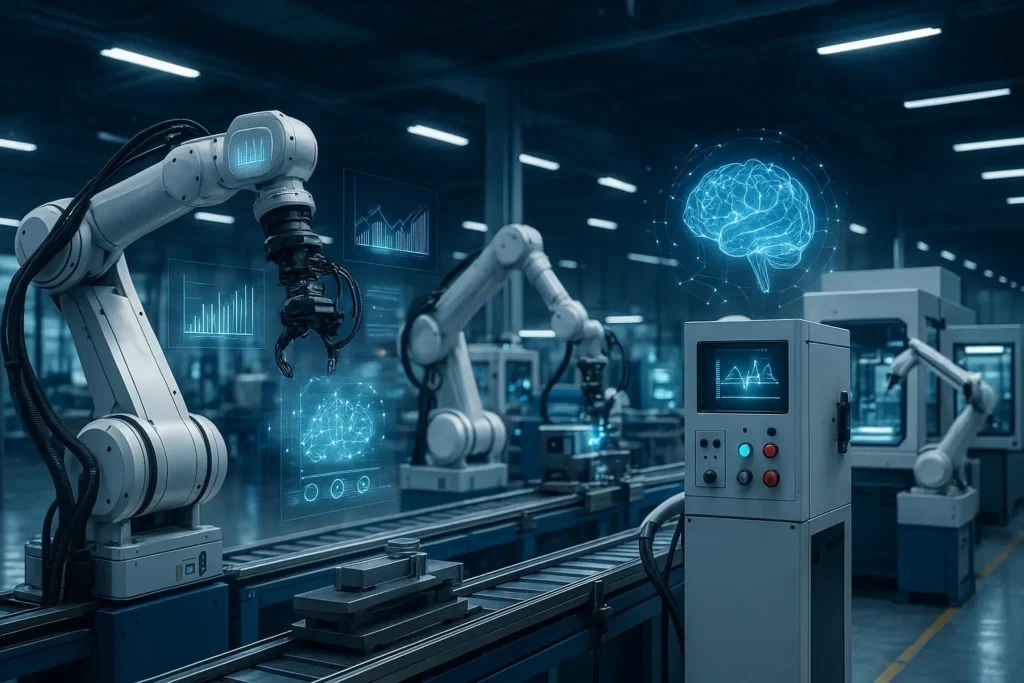
If you walked into a modern factory today, you’d notice something fascinating: machines aren’t just working—they’re thinking. They predict when they’ll fail, adapt to changing conditions, and sometimes even optimize their own performance. Not long ago, this sounded like science fiction. Today, it’s simply called AI in industrial automation.
Manufacturers around the world are under pressure to produce more, faster, and with fewer resources. Downtime is expensive, labor shortages are growing, and quality expectations have never been higher. That’s why AI has become more than a competitive advantage—it’s quickly becoming the backbone of next-generation industrial systems.
In this article, we’ll break down what AI in industrial automation really means, how it works, why it matters, and how companies can implement it successfully. Whether you’re a plant manager, an engineer, a tech leader, or simply AI-curious, you’ll walk away with a deep, practical understanding of this transformative technology.
What Is AI in Industrial Automation? (Beginner-Friendly Breakdown)
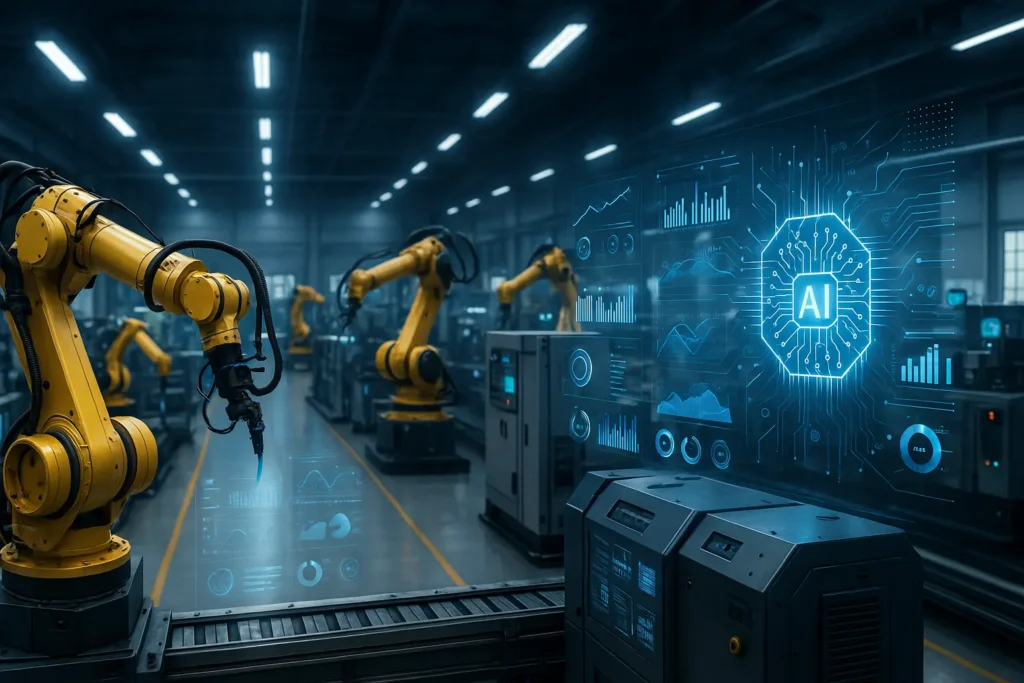
At its core, AI in industrial automation refers to the use of artificial intelligence technologies—like machine learning, computer vision, and predictive analytics—to enhance, optimize, or fully automate industrial processes.
But let’s make this more relatable.
Imagine your factory is like a busy kitchen. Traditionally, workers (the chefs) follow recipes (manual instructions) to prepare meals. If something goes wrong—say, the oven overheats—they need to adjust it manually or stop cooking entirely.
Now imagine that same kitchen equipped with sensors that constantly track temperatures, ingredient levels, and cooking progress. The system notices patterns: “Every time we cook three dishes at once, the oven spikes by 10 degrees.” It then automatically lowers the heat before anything burns. It may even predict when the oven will need maintenance.
That’s AI in action.
It doesn’t replace the chef—it becomes the chef’s smartest assistant.
In industrial settings, AI learns from historical and real-time data to:
- Detect anomalies
- Predict failures
- Optimize production schedules
- Improve product quality
- Make autonomous decisions
Where traditional automation follows fixed rules, AI-powered automation adapts, evolves, and continuously improves.
Benefits & Real-World Use Cases of AI in Industrial Automation
AI isn’t just a shiny new upgrade—it delivers tangible, measurable value. Let’s explore the most impactful benefits with real examples.
1. Predictive Maintenance (Reducing Unplanned Downtime)
Unplanned downtime costs manufacturers billions each year. AI solves this by predicting equipment failures before they happen.
Example:
A food-processing plant installs vibration and temperature sensors on their mixers. Using AI models, the system detects subtle patterns that historically precede breakdowns. Instead of the mixer failing mid-production, maintenance teams receive alerts days in advance.
Result:
- 40–60% reduction in unexpected downtime
- Longer equipment lifespan
- Lower repair costs
2. Quality Control With Computer Vision
AI-powered cameras can inspect products far faster and more accurately than humans.
Example:
An automotive factory uses computer vision to inspect welds. Instead of relying on spot checks, AI evaluates every single weld in real time, and flags microscopic imperfections that would typically go unnoticed.
Result:
- Higher consistency
- Fewer warranty claims
- Reduced scrap waste
3. Supply Chain and Production Optimization
AI can evaluate thousands of variables—demand forecasts, inventory levels, machine availability—and generate the most efficient production schedule.
Example:
A packaging manufacturer uses AI to optimize job sequencing and machine assignment. What once took planners hours now happens in seconds.
Result:
- Better on-time delivery
- Lower material waste
- Improved overall equipment effectiveness (OEE)
4. Autonomous Robotics and Cobots
Industrial robots are becoming smarter thanks to AI. They can learn tasks, adapt to variations, and collaborate with humans.
Use Case Examples:
- Pick-and-place robots that self-adjust to different object shapes
- Cobots that learn from demonstration rather than programming
- Autonomous forklifts optimizing warehouse movement patterns
5. Energy Optimization and Sustainability
AI continuously tracks energy usage and finds opportunities to reduce consumption.
Example:
AI software analyzes heating, cooling, and power usage across a facility and automatically adjusts systems to reduce peak consumption.
Result:
- Lower utility costs
- Reduced environmental footprint
Step-by-Step Guide: How to Implement AI in Industrial Automation
If you’re considering AI adoption, the process may feel overwhelming. Here’s a clear, actionable roadmap based on successful real-world implementations.
Step 1: Identify High-Impact Use Cases
Start with problems that have clear ROI potential, such as:
- Excessive downtime
- Scrap and rework issues
- Quality variability
- Labor-intensive inspection tasks
- Inefficiencies in scheduling
Tip: Speak with operators—they often know the biggest bottlenecks better than anyone.
Step 2: Gather and Clean the Right Data
AI needs good data to produce good outcomes.
Types of useful industrial data include:
- Sensor readings (vibration, temperature, pressure)
- PLC and SCADA logs
- Maintenance history
- Production metrics
- Camera feeds
Best practice: Start small. A single machine or line is often enough to build a high-performing AI model.
Step 3: Choose Your AI Technology or Platform
Options include:
- On-premise AI solutions integrated into existing systems
- Cloud-based platforms (Azure, AWS, Google Cloud)
- AI-enabled automation solutions from vendors like Siemens, Rockwell, ABB
- Custom-built AI models
Tip: Prioritize interoperability with your current MES, SCADA, or ERP systems.
Step 4: Train and Validate the AI Model
This phase involves:
- Feeding historical data into the model
- Teaching it to recognize patterns
- Validating accuracy against real-world scenarios
The key is iteration. AI models improve over time, especially with new data.
Step 5: Deploy and Integrate Into Daily Operations
Deployment may include:
- Real-time dashboards
- Automated alerts
- Integration with maintenance scheduling
- Direct machine control
Before full rollout, do a controlled pilot to measure results.
Step 6: Continuously Monitor and Improve
AI is not a “set it and forget it” tool.
Ongoing best practices:
- Update models regularly
- Retrain based on new equipment behavior
- Monitor edge cases
- Collect operator feedback
Companies that treat AI as a long-term improvement process—not a one-off project—achieve the best outcomes.
Tools, Comparisons & Expert Recommendations
Choosing the right tools is crucial for successful AI-driven automation. Below is a breakdown of leading options.
1. AI Platforms for Industrial Analytics
| Tool | Best For | Pros | Cons |
|---|---|---|---|
| Siemens MindSphere | End-to-end industrial IoT + AI | Strong industrial integration | Higher cost, steep learning curve |
| Rockwell FactoryTalk Analytics | Manufacturers using Rockwell systems | Great native compatibility | Less flexible for mixed environments |
| IBM Maximo | Predictive maintenance | Excellent asset management | Overkill for smaller operations |
| AWS IoT + SageMaker | Custom AI development | Highly scalable | Requires data science expertise |
2. Computer Vision Tools
- Landing AI – Easy to train models without coding
- OpenCV – Free, customizable, widely used
- Microsoft Custom Vision – Cloud-based and beginner-friendly
3. Robotics AI Platforms
- NVIDIA Isaac – For simulation and robot learning
- Universal Robots UR+ Ecosystem – Large library of AI-powered add-ons
- ABB RobotStudio – Robotic simulation with AI integrations
Free vs. Paid Tools
| Category | Free Tools | Paid Tools |
|---|---|---|
| Machine Learning | TensorFlow, PyTorch | AWS SageMaker, Azure ML |
| Vision | OpenCV | Landing AI, Cognex VisionPro |
| Predictive Analytics | Python libraries | Siemens, Rockwell, IBM |
Expert Tip:
Start with free/open-source tools for pilots. Upgrade to paid platforms when scaling across multiple factories or production lines.
Common Mistakes & How to Fix Them
Even well-established manufacturers stumble when implementing AI. Here’s what to watch out for.
Mistake 1: Collecting Too Much Data Without Strategy
More data isn’t always better. What matters is the right data.
Fix:
Start with a clearly defined problem and gather only the essential data needed to solve it.
Mistake 2: Expecting Instant Results
AI requires training, tuning, and iteration.
Fix:
Set realistic timelines (3–6 months for meaningful outcomes).
Mistake 3: Poor Change Management
Operators may resist new systems if they feel threatened.
Fix:
Include them from Day 1. Explain benefits, gather input, and highlight how AI supports—not replaces—them.
Mistake 4: Deploying Without Integration
AI must connect to existing systems to deliver real value.
Fix:
Choose platforms with strong API and industrial protocol support (MQTT, OPC-UA, Modbus).
Mistake 5: Skipping the Pilot Phase
Jumping directly to full-scale deployment increases risk.
Fix:
Run a pilot on one machine or line, measure ROI, then scale.
Conclusion
AI in industrial automation is no longer a futuristic concept—it’s a practical, powerful tool transforming the way manufacturers operate. When implemented correctly, AI reduces downtime, improves quality, enhances safety, and unlocks new levels of productivity.
Whether you’re just exploring AI or ready to launch your first project, the roadmap is clear: start with high-impact problems, gather the right data, choose the right tools, and scale thoughtfully.
If you have questions, want help brainstorming a use case, or need guidance choosing tools — drop a comment or ask anytime. I’d love to help you move your automation strategy forward.
FAQs
What is AI in industrial automation?
It refers to using machine learning, computer vision, predictive analytics, and intelligent algorithms to optimize and automate industrial processes.
How does AI reduce downtime?
AI analyzes machine data in real time to predict failures before they occur, enabling proactive maintenance.
Is AI expensive to implement?
It can be, but many companies start with low-cost pilots or free tools before scaling.
Can AI integrate with legacy machines?
Yes—IoT sensors and edge devices can retrofit older equipment to make them AI-ready.
Do I need a data science team?
Not always. Many platforms offer no-code or low-code AI capabilities.

Adrian Cole is a technology researcher and AI content specialist with more than seven years of experience studying automation, machine learning models, and digital innovation. He has worked with multiple tech startups as a consultant, helping them adopt smarter tools and build data-driven systems. Adrian writes simple, clear, and practical explanations of complex tech topics so readers can easily understand the future of AI.