A Quick Story to Start…
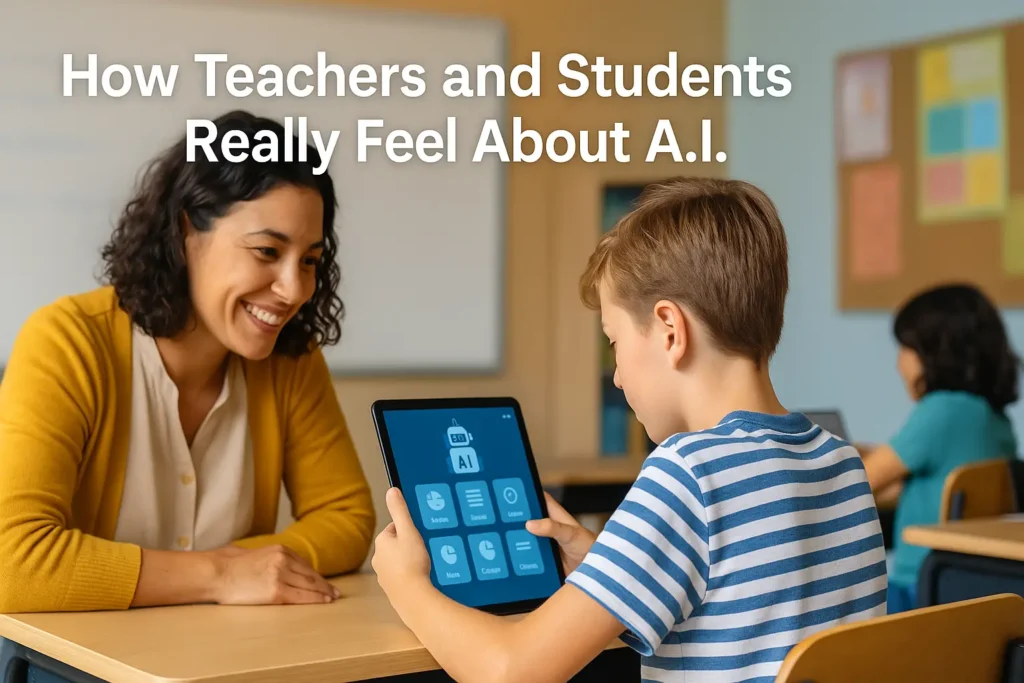
Last semester, a high school English teacher named Mrs. Alvarez noticed something curious: her students weren’t just asking her questions anymore — they were quietly consulting an A.I. chatbot under their desks. Not to cheat, surprisingly, but to clarify instructions and get examples when they felt embarrassed to ask her.
One day, a student told her, “It’s like having a study buddy who never gets annoyed.”
Mrs. Alvarez laughed… then paused.
Was this a problem?
Or a new opportunity?
Her reaction — equal parts fascination and caution — mirrors how teachers and students everywhere feel about A.I. today.
What Is A.I. Really Doing in Schools Right Now?
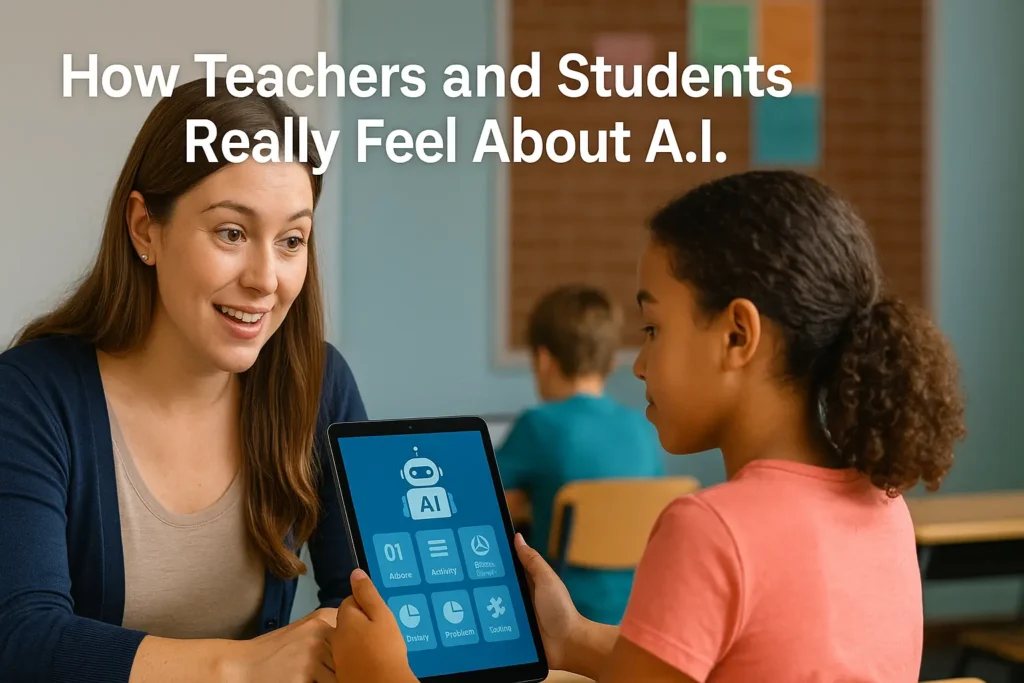
A.I. has moved from sci-fi buzzword to everyday classroom assistant. From essay drafting tools to math tutors to lesson plan generators, it’s transforming how both teachers and students work.
Here’s a breakdown of how each group feels, what’s working, and what still feels uncomfortable.
How Teachers Feel About A.I.
1. Excited About Saving Time (A Lot of Time)
Most teachers see A.I. as their new unofficial intern.
Examples of helpful uses:
- Generating lesson plan ideas
- Drafting worksheets or rubrics
- Summarizing long readings
- Giving differentiated instruction suggestions
- Automating repetitive tasks like email replies
Teacher sentiment:
“Anything that gives me my evenings back is worth trying.”
2. Cautious About Accuracy and Overreliance
Many teachers worry A.I. sometimes “sounds confident but can be wrong.”
They want tools they can trust — not content they need to double-check every time.
3. Concerned About Academic Integrity
The biggest fear: cheating.
Teachers worry that A.I. writing tools can mask genuine skill gaps.
Yet, interestingly, many say this fear decreases once they create clear guidelines and require drafts, reflections, or process-based assignments.
4. Hopeful About Personalized Learning
Teachers love the idea that A.I. can:
- Break down complex topics for struggling students
- Challenge advanced students
- Offer explanations in multiple styles (visual, step-by-step, analogy-based)
A.I. feels like having 25 mini-tutors in the room — if used responsibly.
How Students Feel About A.I.
1. Empowered and Less Intimidated by Big Assignments
Students say A.I. helps them:
- Understand instructions
- Break large tasks into steps
- Overcome writer’s block
- Get alternative explanations when something doesn’t click
A.I. feels like a safety net, especially for shy or anxious learners.
2. Worried About “Losing Their Voice”
Some students feel unsure about how much help is “too much.”
They want to improve — not let a tool speak for them.
3. Unsure About Rules (Because Every Teacher Has Different Ones)
Students often report the same confusion:
“I don’t know when using A.I. is okay.”
Clear guidelines dramatically increase comfort and ethical use.
4. Curious and Excited — But Want Guardrails
Most students enjoy experimenting with A.I., but they want boundaries that feel fair, not punitive.
Benefits of A.I. in Education (When Used Wisely)
- Personalizes learning at scale
- Reduces teacher workload
- Improves student confidence
- Supports multilingual learners
- Makes learning feel modern and relevant
- Encourages creativity and experimentation
- Provides 24/7 academic support
Common Concerns & Challenges
Even with all the benefits, a few challenges consistently show up:
1. Accuracy Issues
A.I. can produce incorrect information or outdated facts.
2. Ethical Confusion
Without clear rules, students fear being accused of misuse.
3. Skill Erosion
Teachers worry students may lean too heavily on A.I. writing tools.
4. Equity Gaps
Not all students have equal access to A.I., which can widen learning disparities.
Step-by-Step Guidance for Using A.I. in the Classroom
Whether you’re a teacher or a student, here’s a simple framework that works.
Step 1: Define the Purpose
Before opening an A.I. tool, ask:
- What am I trying to do?
- Is A.I. helping me think, or doing the thinking for me?
Step 2: Start with Brainstorming, Not Finishing
Use A.I. for:
- Outlines
- Ideas
- Examples
- Explanations
Avoid using it to fully complete graded work unless the teacher allows it.
Step 3: Compare A.I.’s Output with Trusted Sources
Cross-check facts, numbers, and citations.
Step 4: Add Your Unique Voice or Expertise
Students: rewrite ideas in your own words.
Teachers: tweak lesson plans to match your style and class needs.
Step 5: Clearly Disclose A.I. Use
A simple note like:
“I used A.I. to generate brainstorming ideas but wrote the final draft myself.”
Transparency builds trust.
Practical Tools Worth Trying
(These are popular, reliable, and classroom-friendly.)
For Teachers
- ChatGPT – lesson plan generation, explanations, communication drafts
- Canva Magic Write – worksheets, presentations
- Khanmigo (Khan Academy) – tutoring + teacher dashboards
- MagicSchool.ai – teacher-specific A.I. workflows
For Students
- Notion AI – organizing research, summarizing
- Grammarly – writing clarity
- Khan Academy – A.I.-guided learning
- Quizlet Q-Chat – practice and study review
Common Mistakes Teachers & Students Should Avoid
- Relying on the first answer A.I. gives
- Copying text without rewriting or verifying
- Assuming all A.I. tools are allowed
- Using A.I. without understanding the topic first
- Skipping the editing step
A.I. is best used as a thinking partner — not a shortcut.
Real-World Use Cases
Elementary School Example:
A teacher uses A.I. to create differentiated reading passages so every student reads the same topic at different difficulty levels.
High School Example:
Students use A.I. to practice SAT-style questions with instant feedback.
College Example:
Professors use A.I. to help design project-based learning modules while students use it to refine their research questions.
Special Education Example:
A.I. provides simplified explanations, visual aids, and text-to-speech support tailored to each student’s needs.
Comparing A.I. Approaches: Assistive vs. Automated
| Approach | Description | Good For | Caution |
|---|---|---|---|
| Assistive A.I. | Supports thinking (outlines, hints, explanations) | Learning, drafting, brainstorming | Must verify accuracy |
| Automated A.I. | Produces finished work | Admin tasks for teachers | Students should use sparingly for graded work |
Assistive A.I. is generally the healthier classroom choice.
Conclusion: How Teachers and Students Feel About A.I.A.I. Isn’t Replacing Anyone — It’s Redefining Roles
Teachers aren’t being replaced. Students aren’t becoming robots.
Instead, A.I. is becoming a learning companion — powerful, imperfect, and deeply human in the way it reflects our questions back to us.
The real opportunity isn’t about using more A.I.
It’s about using it more thoughtfully.
If teachers and students work together to create clear norms and embrace curiosity, A.I. can make education more personalized, more accessible, and more joyful.
FAQs
Is A.I. safe for students?
Yes, when using reputable tools and with teacher-guided rules.
Can students use A.I. for writing?
Usually yes — for brainstorming, outlines, and feedback.
But always follow your teacher’s policy.
How much should teachers rely on A.I.?
Enough to save time, not enough to lose professional judgment.
Will A.I. replace teachers?
No. A.I. supports instruction but cannot replace human connection.
What’s the best way to start using A.I.?
Pick one small task (e.g., summarizing text), try one tool, and build comfort gradually.

Adrian Cole is a technology researcher and AI content specialist with more than seven years of experience studying automation, machine learning models, and digital innovation. He has worked with multiple tech startups as a consultant, helping them adopt smarter tools and build data-driven systems. Adrian writes simple, clear, and practical explanations of complex tech topics so readers can easily understand the future of AI.