Have you ever stared at a blinking cursor, waiting for inspiration to magically appear… only to end up deep-cleaning your desk instead?
A few months ago, I was helping a fellow blogger who had hit this exact wall. She had ideas, she had passion — but the writing just wouldn’t flow. So we tried something new: pairing her ideas with an AI writing assistant. Within an hour, she had a full blog outline, a punchy intro, and even a handful of headline variations to choose from.
Her response?
“Why didn’t I try this sooner?”
That moment perfectly captures what today’s AI tools can offer: not a shortcut, but a creative partner.
What Does It Really Mean to “Leveraging AI to Write Engaging Blog Posts?”

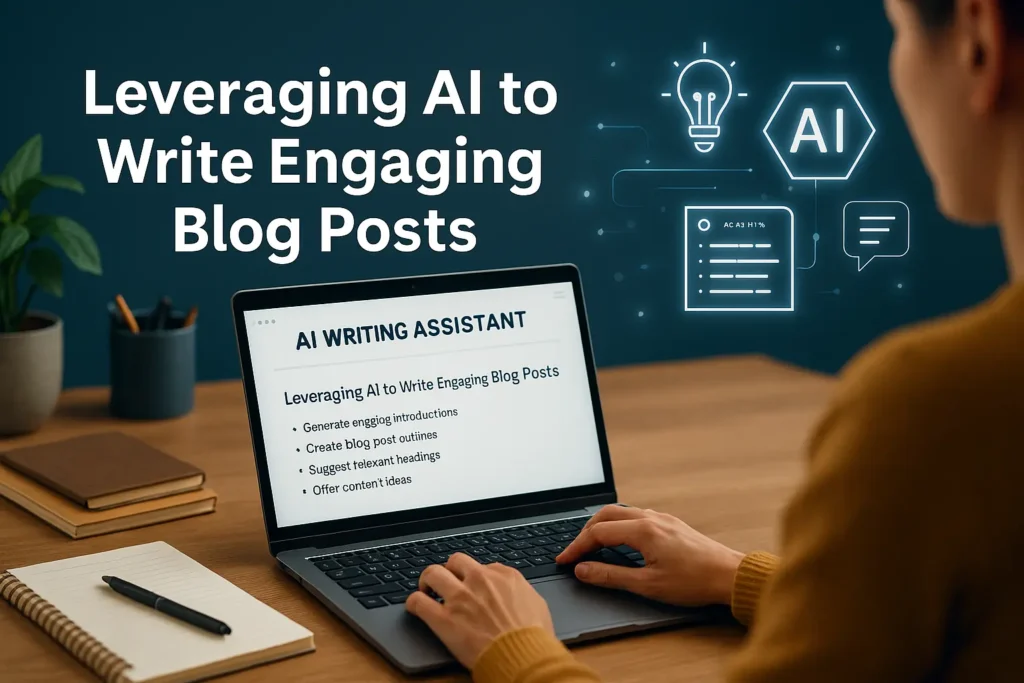
In simple terms, Leveraging AI to Write Engaging Blog Posts, means using tools that assist with brainstorming, drafting, editing, optimizing for SEO, or polishing content. AI doesn’t replace your voice — it helps amplify it.
Think of it as:
- A brainstorming buddy
- A rough-draft generator
- A clarity checker
- A consistency assistant
- A time-saver for repetitive tasks
Most importantly: you stay in control of the story, tone, and message.
Why AI Is a Game-Changer for Bloggers
1. Faster Idea Generation
Instead of spending an hour thinking of topics, AI can give you 20 options in seconds — from trending keywords to niche angles you hadn’t considered.
2. Clearer, Cleaner Drafts
AI can turn messy notes into structured paragraphs or rewrite clunky sentences into something smoother.
3. SEO Support Without the Overwhelm
AI can suggest keywords, meta descriptions, and headings — but you decide what feels natural.
4. Consistent Publishing Schedule
When content creation becomes easier, consistency becomes realistic, not stressful.
5. Creative Collaboration
Sometimes AI gives you ideas that make you think,
“Oh! I didn’t even consider that.”
Step-by-Step: How to Use AI to Write an Engaging Blog Post
Step 1: Start With Your Core Idea
Before you open an AI tool, answer:
- What is this post about?
- Who is it for?
- What question or problem does it solve?
AI works best when you give it clarity up front.
Step 2: Ask AI for an Outline
Prompt example:
“Create a detailed blog outline about [topic] for readers who are [audience]. Keep the tone friendly and helpful.”
This gives you a roadmap — keep the parts you like, tweak the rest.
Step 3: Generate Sections, Not the Entire Post
Instead of asking for a full draft all at once, request content section by section.
Why?
More control. More coherence. More of your voice.
For example:
- “Write an engaging intro using a short anecdote.”
- “Expand section 3 with simple explanations and examples.”
- “Rewrite this paragraph to sound warmer.”
Step 4: Add Your Expertise, Personality, and Experience
This is where your human touch matters:
- Add stories
- Add personal insights
- Add strong opinions where helpful
- Add brand experiences or real results
AI helps you build the skeleton — you add the soul.
Step 5: Polish for SEO (Naturally)
Use AI to:
- Suggest better subheadings
- Generate meta descriptions
- Identify secondary keywords
- Create FAQ questions
Just be sure it still sounds like you, not a machine.
Step 6: Final Human Edit
Once the draft is ready: read it aloud.
Ask:
- Does it flow?
- Is anything repetitive?
- Does it sound natural?
- Does each section add value?
Your editing is the final layer of polish.
Useful AI Tools for Blog Writing
Here are popular, accessible tools bloggers love:
1. ChatGPT
Great for brainstorming, drafting, editing, outlining, keyword ideas, tone adjustments.
2. Grammarly
Helps refine tone, clarity, and grammar.
3. Jasper
Designed specifically for marketing content (blog posts, product copy, social posts).
4. Surfer SEO
AI-powered suggestions for keyword optimization and content structure.
5. Notion AI
Good for capturing ideas, generating summaries, and organizing content workflows.
Real-World Use Cases (How Bloggers Actually Use AI)
1. The Travel Blogger
Uses AI to create trip itineraries, introduce destinations, and rewrite long research notes into crisp summaries.
2. The Business Blogger
Uses AI to turn industry reports into approachable explanations for readers.
3. The Food Blogger
Uses AI to reorganize recipes, check ingredient clarity, and generate FAQ sections for SEO.
4. The Personal Development Writer
Uses AI to brainstorm analogies, metaphors, and story intros that resonate emotionally.
Common Mistakes to Avoid
Relying 100% on AI to do the writing
Readers can instantly feel when something lacks personality.
Using AI-generated content without fact-checking
AI can occasionally be inaccurate. Always verify.
Keyword-stuffing
AI may over-optimize — keep your writing natural.
Ignoring your brand voice
Consistency builds trust. AI should match your voice, not overwrite it.
Publishing without human editing
Even strong AI drafts need a final human pass.
Quick Tips for Better AI-Assisted Writing
- Give AI clear, detailed prompts
- Ask for multiple variations (intros, headlines, summaries)
- Use AI as a collaborator, not a ghostwriter
- Inject personal stories and real examples
- Keep the tone warm and human
- Edit the final draft with your readers in mind
Conclusion: AI Isn’t Replacing Writers — It’s Empowering Them
The truth is, AI isn’t here to steal creativity. It’s here to support it.
Whether you’re battling writer’s block, writing under tight deadlines, or simply looking to improve your consistency, AI can be the invisible teammate you didn’t know you needed.
Used thoughtfully, it helps you write faster, write smarter, and — ironically — write more human.
FAQs
Will using AI make my writing sound robotic?
Not if you edit and add your personal voice. AI is a helper, not a replacement.
Is it okay to use AI for SEO optimization?
Absolutely — just avoid keyword stuffing and keep readability a priority.
Can AI generate an entire blog post on its own?
Yes, but it’s best used for drafts or sections. Always revise for accuracy and tone.
How do I keep my blog authentic while using AI?
Add stories, insights, humor, honesty — the human parts that AI can’t replicate.
Do I need paid tools to get good results?
Free tools (like ChatGPT’s basic version) can take you far. Premium tools just add convenience.

Adrian Cole is a technology researcher and AI content specialist with more than seven years of experience studying automation, machine learning models, and digital innovation. He has worked with multiple tech startups as a consultant, helping them adopt smarter tools and build data-driven systems. Adrian writes simple, clear, and practical explanations of complex tech topics so readers can easily understand the future of AI.